Bluetooth GPS Output
Share your GPS location over Bluetooth to nearly any NMEA-compatable software or device.
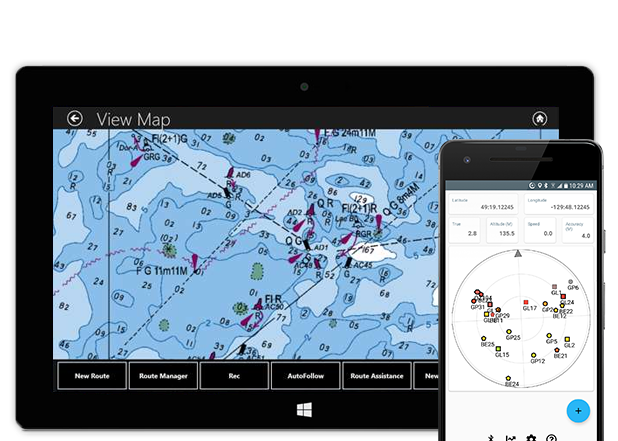
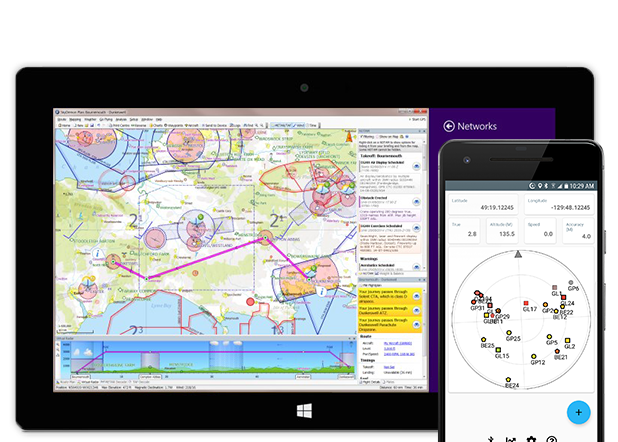
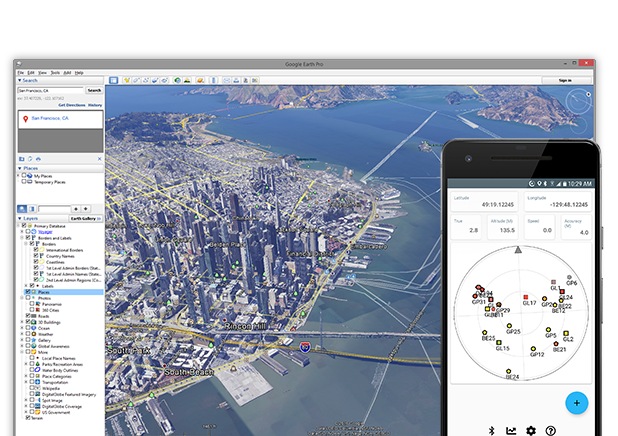
On and Off-Road
Your favorite on and off-road navigation software from the comfort of your PC or tablet
Earth and Earth Pro
from Google
Mobile PC
from Garmin
GPS Direct
from turboirc
and others
Endless Possibilities
Connect with anything you can imagine
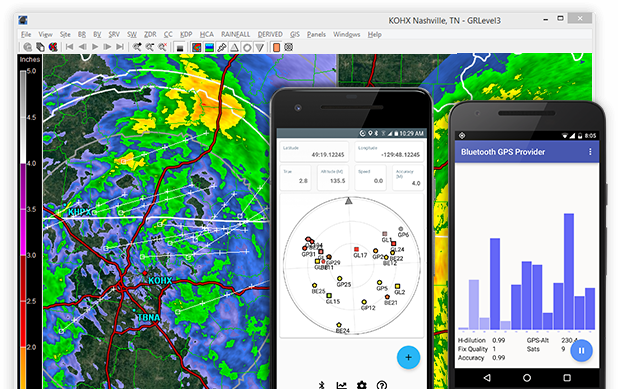
Meteorology with
GRLevel3
from Gibson Ridge Software, LLC
To another Android device using
Bluetooth GPS Provider
from mobile-j.de
Your own Arduino or Raspberry hardware projects
Even drones or autonomous vehicles
Used with Raspberry Pi Can't fault it. Worked perfectly on first attempt at sending data to a raspberry pi using gpsd to interpret.
Bluetooth to opencpn I use my phone connected with this software to run navigation on my boat. Wonderful job!
Works flawlwssly with ForeFlight!! Stock Android 5.0 on Note 3 connects to iPad Mini IOS 9.0 jailbroken with BTstack. It just works.
Works great on providing location from a Samsung S4 and Note 4 to a Microsoft Surface. The app allows 6 other friends to pair their tablets and share location.
Everything to get you started
Video Tutorials
Step-by-Step Instructions
See how easy it is to get started with these simple instructional videos.
Frequently Asked Questions
General:
- In what language(s) can you provide support?
- We currently only provide support in English. You may use an online translator to contact us if you wish.
- Will this app work with a specific device or software?
- Download and test it; it is the only way to be absolutely sure it satisfies your requirements.
- Local laws do not permit me to use positioning systems, can I still use your app?
- Please obey all applicable local laws, rules and regulations.
- No one has responded to my review on Google Play.
- Please contact us directly.
Licensing:
- App returned to free mode one day after license purchased.
- The latest version of the app and legacy license-app (if applicable) resolves most purchasing issues - please be sure to update to the latest versions.
- I have version 1.x or 2.x of the app, do I qualify for an upgrade to 3.x?
- For a limited time, all current licensees qualify for this free update. This offer may change in the future without notice.
- I did not receive an Unlock Code.
- Unlock codes were provided to licensees before Google Play and are no longer required for new license purchases. Purchasing the license directly from Google Play automatically unlocks the full app.
- I have lost my unlock code.
- Please contact us directly.
- I have an issue regarding my corporate, volume, or site license.
- Please contact your representative.
- I do not have Google Play or cannot purchase from Google in my country.
- You can download and purchase a license directly from here even without Google Play.
- What is your refund policy?
- We provide a fully functional albeit time limited version of the app on the Google Play store so you may ensure the app is operating to your satisfaction. Paid license refunds may not be available outside of the Google Play store policies. If you are a corporate or volume licensee, please contact your representitive.
Version 1.x:
- Looking for download and support information for Version 1.x?
- Archived download and support information is available here.
Corporate and Volume Licensing
Work, office, or in the field
Contact us for information on white label services, volume licensing options, and custom solutions to suit your exact needs.Contact Us
Assistance, questions, and inquiries

GET IT DIRECT
*Brand names and trademarks are property of their respective owners. We are not affiliated nor endorsed by any holder mentioned.